

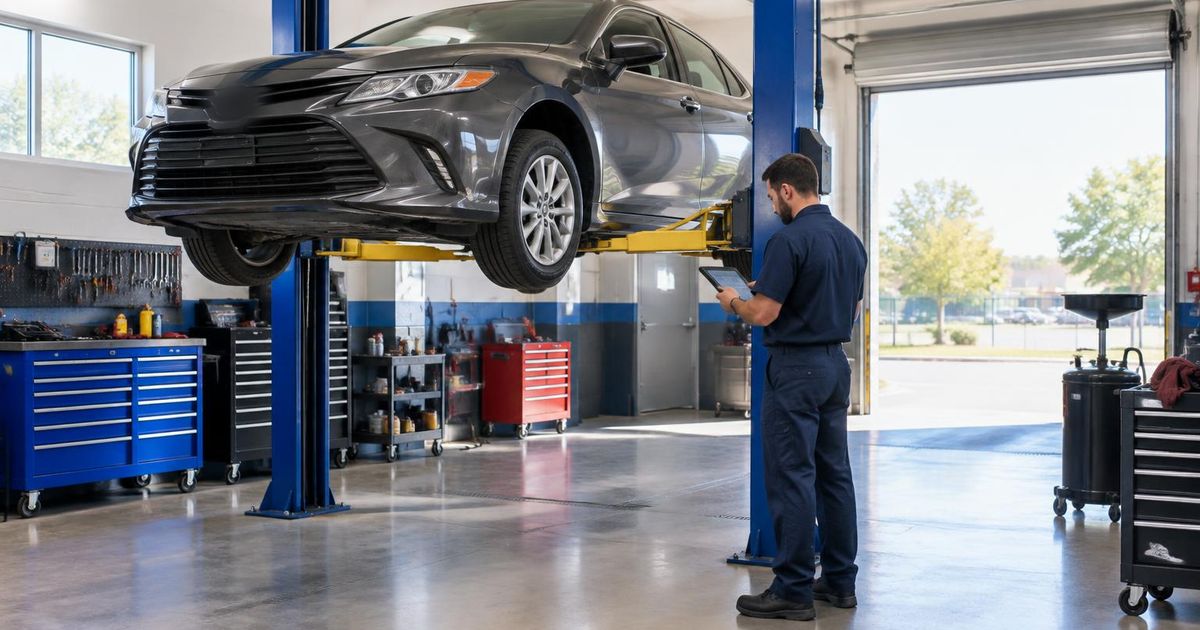
The ten features that turn an auto repair shop website into booked jobs — booking, quotes, reviews, mobile speed, service pages and local search.
Good auto repair shop website design does one job: it turns someone with a warning light on their dashboard into a booked appointment. The features that matter most are a click-to-call button, an easy appointment or quote request, clear pages for the repairs you do, real customer reviews, your hours and location, and pages that load fast on a phone. Get those right and the rest is polish.
Most of your customers will find you on a phone, often in a hurry, and often after searching for something like "brake repair near me" or "check engine light". They'll look at your Google Business Profile, tap through to your website and decide in seconds whether to call you or the next shop on the list. Your website has to answer their questions quickly and make the next step obvious.
Here are the ten features we recommend for independent shops across the USA, why each one matters and how to get it right.
In this article
Why auto repair shop website design matters more than it used to
Your Google Business Profile, reviews and website work as a team. The profile gets you seen in local results, reviews build trust and the website closes the deal by showing what you fix, what to expect and how to book. A shop with a thin or outdated site often loses jobs to a competitor with a clearer one, even when its workmanship is better.
A website also handles work you'd otherwise miss. Appointment and quote requests come in after hours, at weekends and while your service writer is on the phone. Every request that lands in your inbox instead of going to voicemail is a job you have a real chance of winning.
The 10 essential website features
1. Click-to-call and tap-to-text at the top of every page
Many repair customers would rather talk to someone. Put a tap-to-call button in the header, keep it visible as people scroll on mobile, and use your real shop number. If you take texts, add a text button too. Make sure calls from the website reach someone during business hours, or go to a voicemail that says when you'll call back.
2. Online appointment requests
An appointment request form lets customers pick a preferred day, describe the problem and leave their vehicle details. You don't need full online scheduling to start — a simple request that you confirm by phone works well and keeps you in control of the bay schedule. If you already use shop management software with online booking, the website can link to or embed it.
3. A quote or estimate request form
For bodywork, collision repair or bigger jobs, a quote form with photo upload saves both sides time. Ask only for what you need: name, phone, vehicle year, make and model, and a description. Be clear that a written estimate follows an inspection, so expectations stay realistic.
4. Clear service pages for each repair type
Give your main services — brakes, oil changes, diagnostics, transmissions, AC, tires, alignments, inspections — their own short pages. Each should explain the symptoms customers notice, what the job involves and how to book. Separate pages help customers find exactly what they searched for and give search engines a clear picture of what you do.
5. Real customer reviews
Reviews are often the deciding factor. Show genuine reviews from your Google Business Profile, with a link so visitors can read them in full, and ask happy customers to leave one. Never write reviews yourself or pay for them — Google's policies on fake engagement prohibit it, and customers can usually tell. Google also publishes tips for getting more reviews the honest way.
6. Hours, location, map and directions
Put your address, hours and a map on the contact page and in the footer of every page. Update holiday hours promptly. If your entrance is hard to spot or you have drop-off and key-box instructions, say so — it saves calls and frustrated customers.
7. Fast, mobile-first pages
Design for the phone first, then the desktop. Large tap targets, short forms, compressed photos and no pop-ups that cover the call button. You can check how your current site performs with Google's free PageSpeed Insights tool. A slow page on a weak signal in a parking lot is a lost customer.
8. Trust signals you can prove
Show the credentials and policies you actually have: technician certifications such as ASE if your team holds them, the warranty you offer on parts and labor, the makes you specialize in, payment and financing options you accept, and how long you've been in business. Only include what's true and current — vague badges and claims you can't back up do more harm than good.
9. A photo gallery of your shop and team
Real photos of your bays, equipment, waiting area and technicians make a shop feel familiar before the first visit. Before-and-after photos work especially well for collision and paint work. Skip generic stock photos of smiling mechanics — customers have seen them on every other site.
10. Local SEO foundations and your Google Business Profile
Keep your shop name, address and phone number identical on your website and Google Business Profile. Mention the neighborhoods and towns you serve naturally on your pages, add LocalBusiness structured data so search engines understand your details — Google's local business documentation explains how — and read Google's guidance on improving your local ranking. For ongoing help, see our SEO service.
How these features work together on one page
On a well-planned homepage, a customer sees your shop name, what you fix and a call button without scrolling. Below that come your main services, a few real reviews, a short "why choose us" section based on facts, and your hours and map. Every section ends with the same two options: call, or request an appointment.
You can see this structure in our Coppock Collision demo build — a demo we designed to show how a US collision repair site can put estimates and contact options front and center. It isn't a client case study, but it shows the layout in action. Our auto repair website service page explains what we include for shops.
Common mistakes to avoid
- Hiding the phone number in the footer or behind a contact page.
- Long forms that ask for mileage, VIN and service history before someone can request a callback.
- A single "Services" page listing twenty repairs with no detail.
- Outdated hours, old promotions or a copyright year that's several years behind.
- Auto-playing videos and heavy image sliders that slow the page on mobile.
- Claims you can't prove, such as "best shop in town" or ratings that aren't linked to a real review source.
A simple launch checklist
Before your new site goes live, run through this list on your own phone. It takes twenty minutes and catches most problems.
- Tap the call button on three different pages and make sure it dials the shop.
- Submit the appointment and quote forms and confirm the emails arrive.
- Check that hours, address and phone match your Google Business Profile exactly.
- Open each service page and read it as a customer would — is the next step obvious?
- Run the homepage through PageSpeed Insights and fix anything flagged in red.
- Ask two customers or friends to book a pretend appointment and tell you where they hesitated.
Getting started
You don't have to build everything at once. Start with click-to-call, appointment requests, clear service pages and your reviews, then add a gallery and more service pages over time. WebNest is based in Durgapur, India and builds websites for small businesses across the USA remotely. If you'd like a second opinion on your current site or a fixed quote for a new one, book a free consultation and we'll talk it through.
Frequently asked questions
Do auto repair shops really need a website if they have a Google Business Profile?
The profile helps you get found, but it can't explain your services in depth, take detailed quote requests or show your full gallery and policies. Most customers check both, and a clear website often decides who they call.
Should my website let customers book a specific time slot?
It can, but it doesn't have to. Many shops start with an appointment request that staff confirm by phone, which avoids overbooking bays. If your shop management software offers online scheduling, it can be linked from the website later.
Can I show my Google reviews on my website?
Yes. You can show genuine reviews with a link to your Google Business Profile so visitors can read them in full. Never write or buy reviews; it breaks Google's policies and damages trust.
How many service pages should an auto repair website have?
Start with a page for each service that brings in regular work, often six to ten. Each page should explain symptoms, what the job involves and how to book. You can add more over time as you see what customers search for.
Can WebNest build a website for a US auto repair shop?
Yes. We work remotely from India with shops across the USA, with calls scheduled in your time zone. We send a fixed written quote after a free consultation and you own the domain and site.

Written by the WebNest Team
The designers, developers and marketers at WebNest, a website design and digital marketing studio in Durgapur, West Bengal, working with businesses across India and abroad since 2022. More about us.