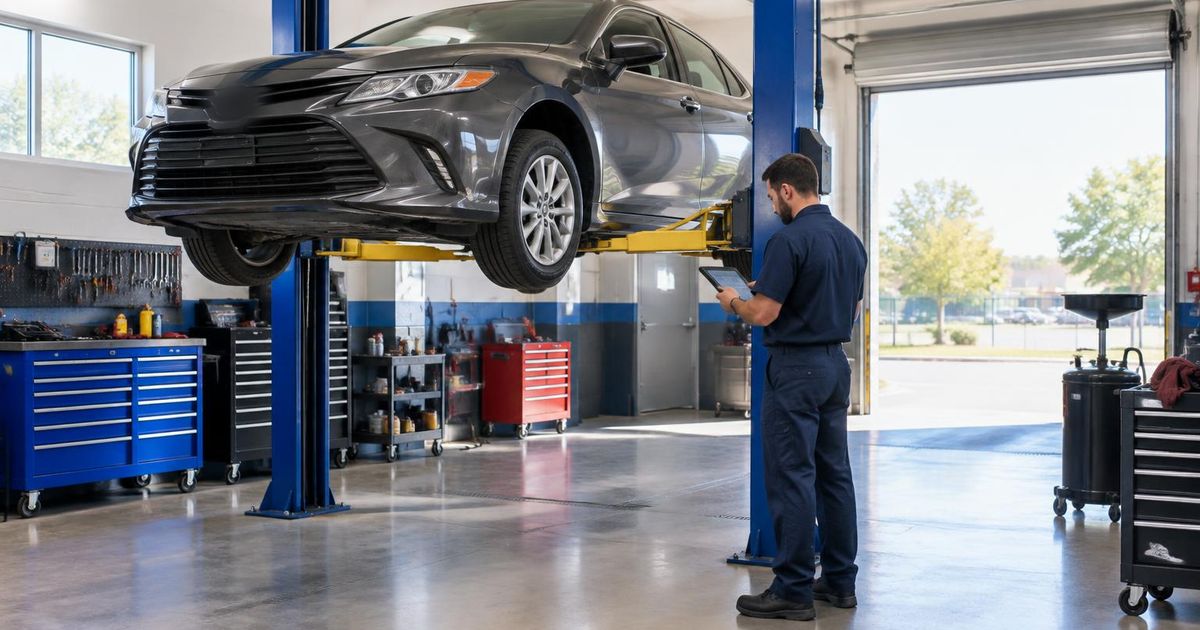


What a US plumbing company website needs to turn "plumber near me" searches into booked jobs, from the header to the service-area pages.
Most people looking for a plumber are not browsing. Water is on the floor, the water heater has quit or a drain is backing up, and they are holding a phone. A good plumbing website is built for that moment: the phone number is the first thing they see, it is obvious whether you cover their town and whether you answer after hours, and booking takes one tap.
This guide covers the pages and features that matter most for US plumbing and home-service companies, how to structure service-area pages without creating thin duplicates, and how to tell whether the site is actually producing calls. WebNest builds these sites remotely from Durgapur, India, for clients in the USA and elsewhere — see our USA page for how that works.
In this article
Put the phone and the promise above the fold
On a phone screen, the first view should answer three questions without scrolling: who you are, whether you serve this area, and how to reach you now. That usually means your logo, a one-line description such as 'Licensed plumbers serving Dayton and Kettering', a tap-to-call button and a short 'Request service' button.
If you offer emergency or 24/7 service, say so plainly and only if it is true. If you don't, say when you answer — 'Calls answered 7am–7pm, Monday to Saturday' prevents frustration and wasted calls. Keep the call button visible as people scroll, but never let a chat widget or pop-up cover it.
One page per service you actually want to sell
People search for the problem, not your company name: 'water heater replacement', 'drain cleaning', 'sewer line repair', 'leak detection'. Give each profitable service its own page that describes the symptoms customers notice, what the job involves, rough timing, and how to book. A page that helps someone decide whether to call is far more useful than a list of services with a paragraph each.
- Water heaters: tank and tankless installation, repair and flushing
- Drains and sewers: clogs, camera inspection, hydro jetting, line repair
- Leaks and repiping: slab leaks, burst pipes, whole-home repipes
- Fixtures: toilets, faucets, garbage disposals, sump pumps
- Seasonal work: frozen pipe prevention and outdoor spigots where winters are cold
Service-area pages without the copy-paste trap
Creating a page for every suburb with the town name swapped in is one of the most common ways plumbing sites end up with thin, near-identical content. Search engines treat that as low value, and visitors can tell.
Start with one strong 'Areas we serve' page listing the cities and ZIP codes you cover, with a map. Add a separate town page only when you have something specific to say: typical housing stock and the problems it causes, local permit requirements you handle, response times from your nearest van, or real jobs completed there with photos. Two genuinely useful town pages beat twenty templated ones.
Trust signals customers check before calling
Plumbing is done inside people's homes, so trust carries more weight than design. Show your state or local license number where your licensing authority requires it, proof of insurance, how long you have been in business, the warranty on parts and labor, and whether you charge a trip or diagnostic fee.
Real reviews matter most. Link to your Google Business Profile reviews and show a few on the site with the reviewer's first name. Never write or buy reviews — the FTC's rule on fake reviews and testimonials, in force since 2024, allows penalties for it. Photos of your own vans, team and finished work do more than stock images of smiling plumbers.
Local SEO and Google Business Profile
Most plumbing calls from search come through the map results, which rely heavily on your Google Business Profile. Choose 'Plumber' as the primary category, list your services, set your service area, keep hours accurate (including holidays) and add photos regularly. If you work from home and customers don't visit you, set the profile up as a service-area business and hide the address.
Your website should match the profile exactly: same business name, phone number and address format. Add LocalBusiness structured data (the 'Plumber' type) with your service area, and link the profile's website button to your homepage or main service page. Our SEO service covers this setup.
Measure calls, not just visits
Traffic numbers say little about a plumbing website. What matters is how many calls and form requests it produces and what kind of jobs they become. A call-tracking number on the website (kept separate from the number on your Business Profile, with the main number still listed for consistency) shows which pages and campaigns lead to calls.
In Google Search Console, watch which service and town queries bring impressions, and improve the pages that rank on page two. Review the numbers monthly alongside your job sheet: if drain-cleaning visits rise but bookings don't, the page or the call handling needs work, not more traffic.
- Calls from the website and their outcome (booked, quote, not a fit)
- Form requests and how fast they were answered
- Search Console clicks for service and town queries
- Booked jobs and revenue by service
Frequently asked questions
What should be at the top of a plumber's website?
Your business name, the area you serve, a tap-to-call button and a short request-service button, plus whether you offer emergency service. Visitors should be able to call within seconds of landing.
Should a plumber have a separate page for every city?
Only where you can add genuinely local information, such as common problems in that area, permits or completed jobs. Otherwise one well-built service-area page with a map and town list is better than many near-identical pages.
Do I still need a website if I use Google Local Services Ads?
Yes. Ads and your Business Profile bring people in, but your website is where they check your services, reviews, licensing and prices before calling, and it keeps working when you pause ad spend.
Should I show prices on a plumbing website?
Many plumbers show starting prices or fixed fees for common jobs and a clear trip or diagnostic fee. Even partial pricing helps customers decide, as long as it is accurate and explains what changes the final price.
Can WebNest build a website for a US plumbing company?
Yes. We work remotely from Durgapur, India, with calls scheduled in your business hours. See our plumbing demo builds in the portfolio and our website design service.

Written by the WebNest Team
The designers, developers and marketers at WebNest, a website design and digital marketing studio in Durgapur, West Bengal, working with businesses across India and abroad since 2022. More about us.